Mind mapping
Mind
mapping
Mind mapping
is very important to do any work. Proper mind mapping at the beginning of any
task can help complete the task in an organized system. Sharing my little
knowledge about mind mapping.
What is Mind Mapping?
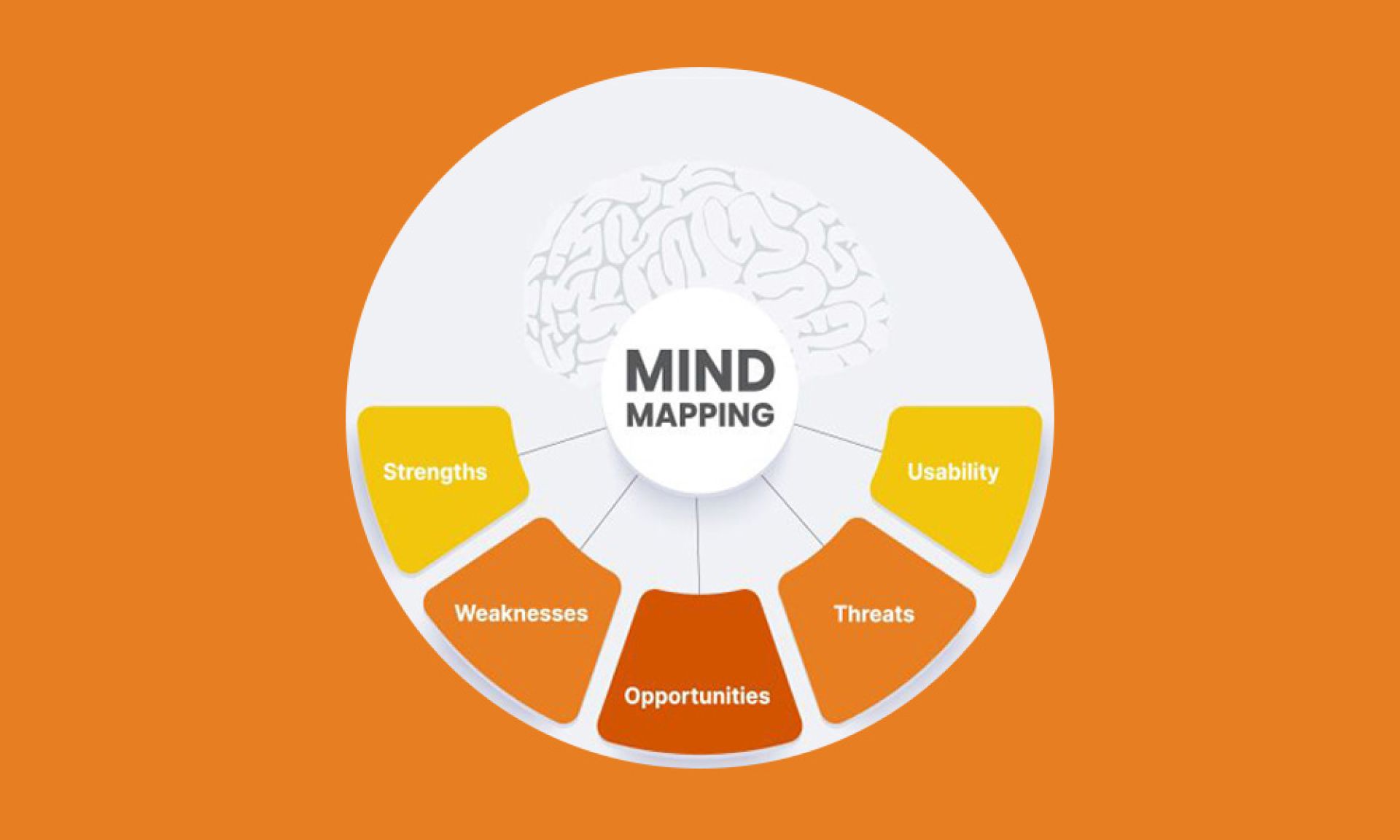
Mind mapping is a powerful technique for exploring ideas. This technique is
used in decision-making in UI UX.
For Design, mind mapping encourages creativity and facilitates generating
ideas. Thereby simplifying the design elements into a pattern. Mind mapping
allows the work to be visualized together, generating new ideas and organizing
thinking.
How to Create a Mind Map?
Mind mapping starts with a central idea. Mind maps can be done on paper or
using related software.
Using Mind Maps in UX/UI Design:
Brainstorm ideas for new features. Plan the layout of a website or app.
Identify usability issues. Communicate design ideas to stakeholders.
It serves as user flow and information architecture.